
Stop paying for subscriptions you forgot
Find them. Cancel them. Keep the money.

- No bank login
- No account
- Stored on your iPhone
 Spotify PremiumRenews tomorrow$12.99/mo
 HuluRenews in 3 days$12.49/mo

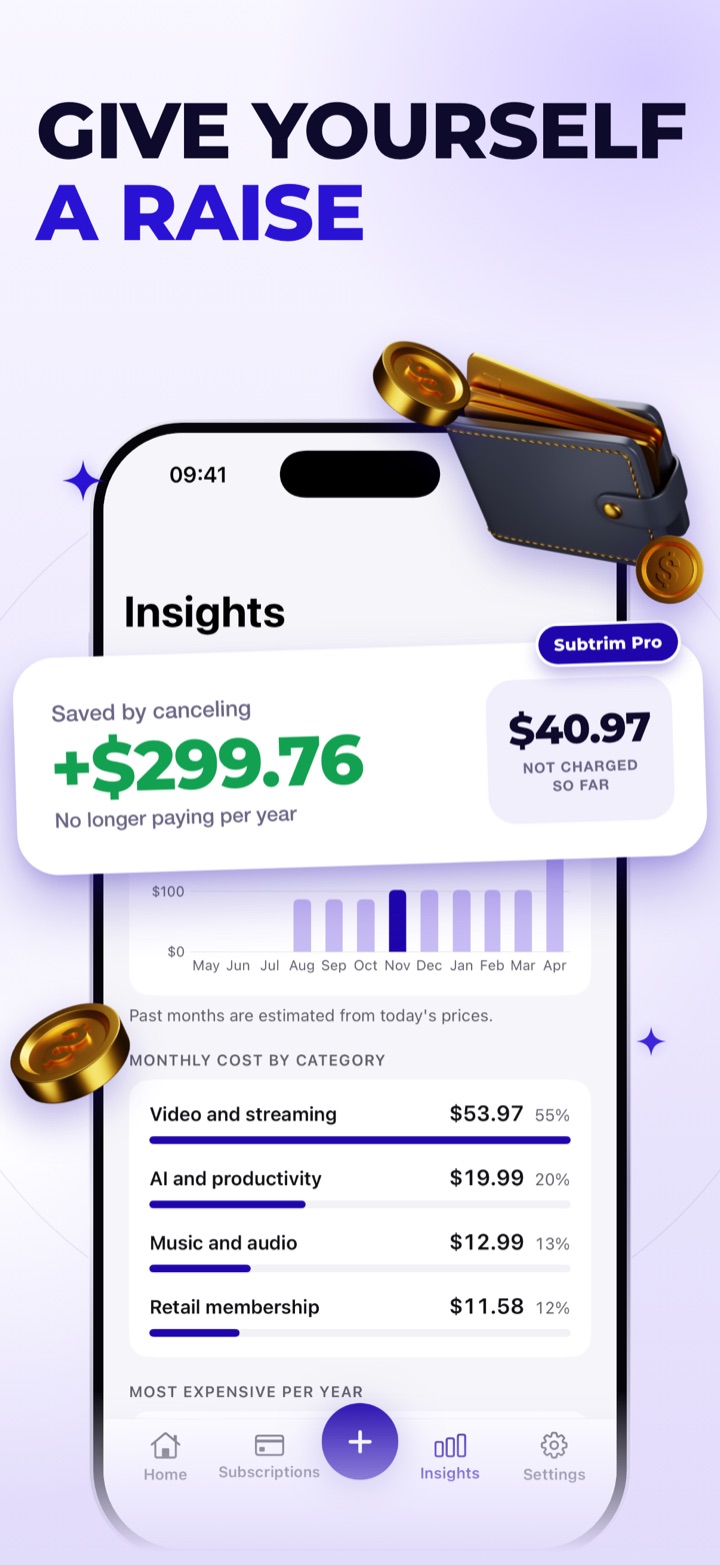
See the money you stop paying
Every subscription you cancel is money that stays in your pocket. Insights adds up each one you mark as canceled: what you no longer pay per year, and what hasn’t been charged since.
- Saved by canceling, per year
- Not charged so far
- Part of Subtrim Pro
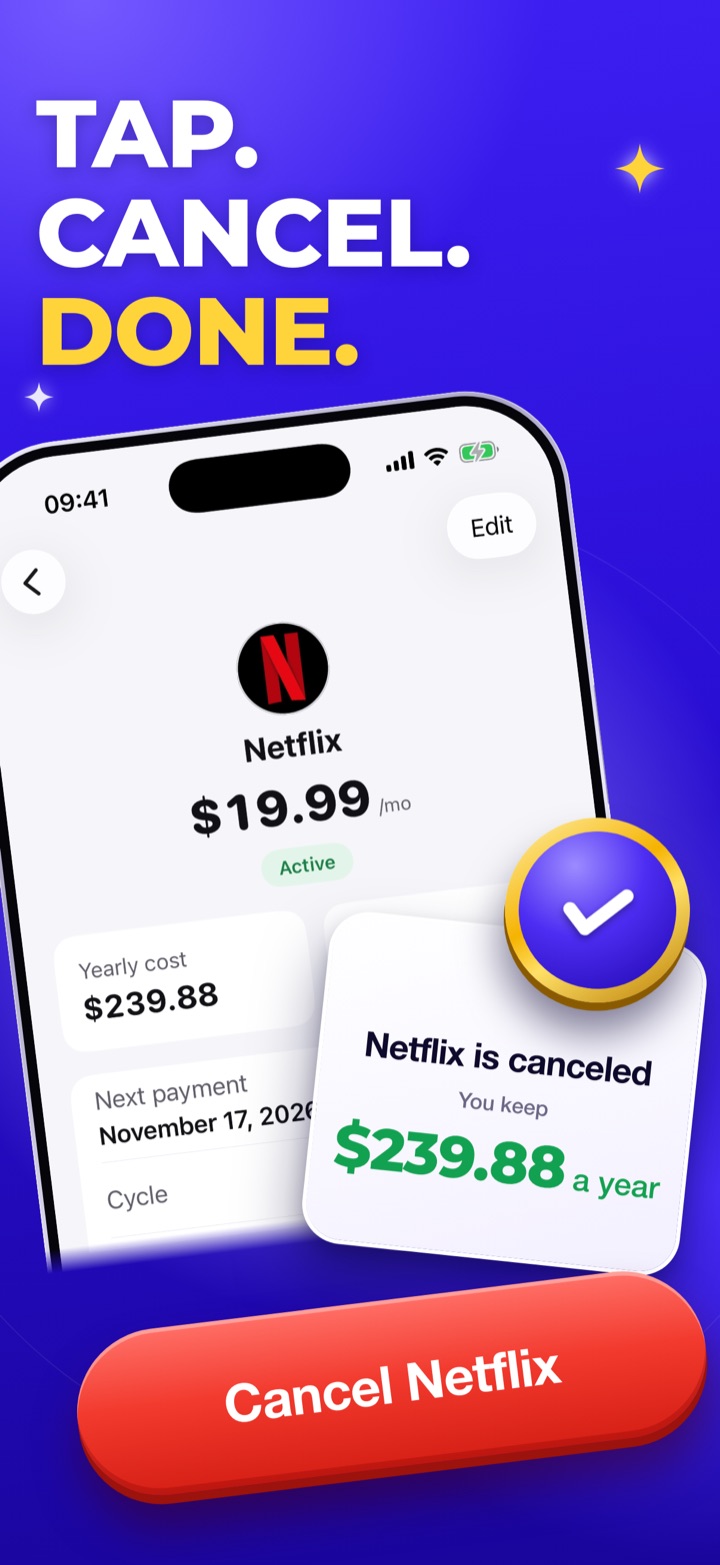
Tap cancel and keep the money
Open a subscription, tap Cancel and it’s done. Subtrim shows what stays in your pocket every year.
- One tap from the subscription
- What you keep, per year
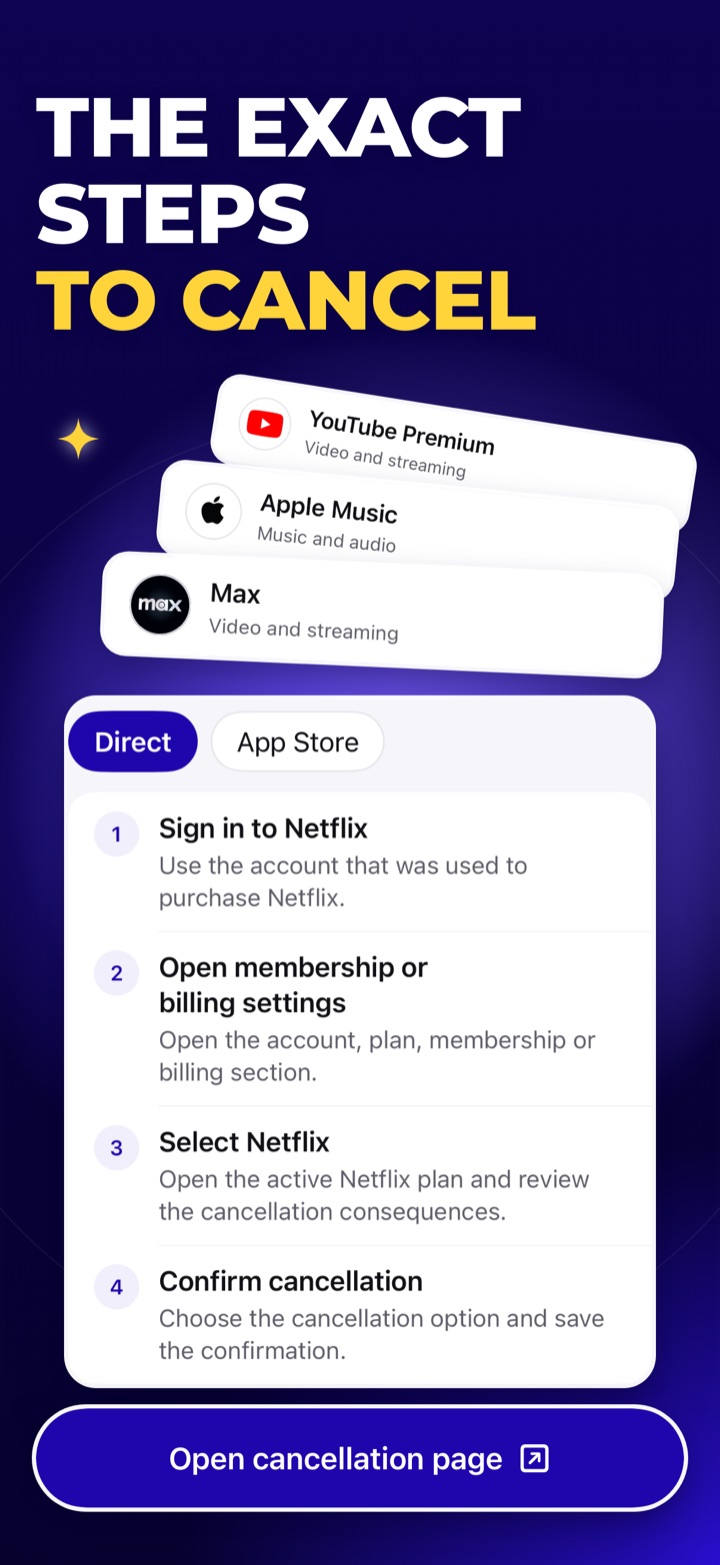
The exact steps for where you signed up
Tap “How to cancel?” and choose where you subscribed: directly with the service, the App Store or another app store, or your mobile carrier. Subtrim has guides for 720+ services.
- App Store: every step to “Cancel Subscription”
- “Open cancellation page” takes you there
- “Mark as canceled” when it’s done
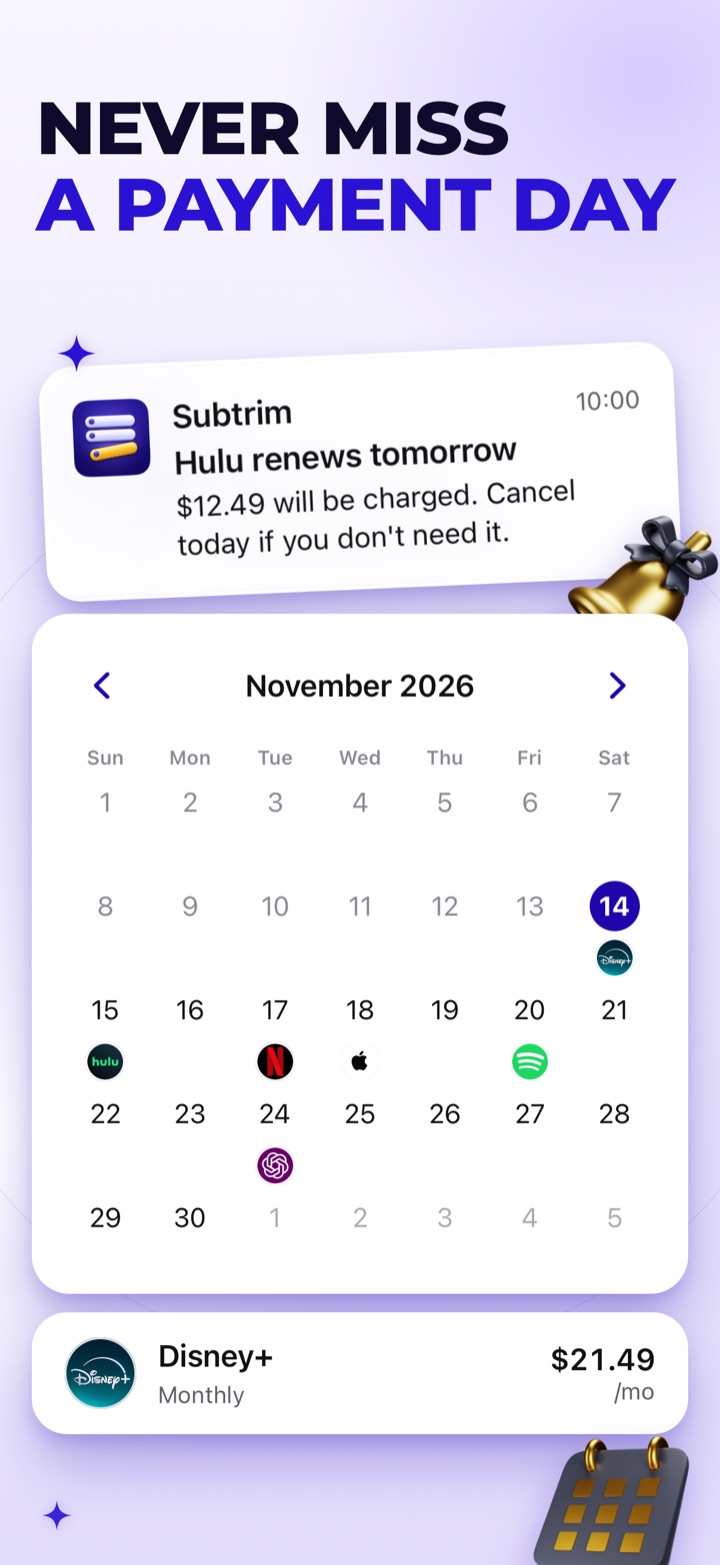
A reminder before you’re charged
Choose 1, 3 or 7 days before each renewal. Reminders arrive at 10:00 AM your local time, so you decide what to keep.
- Set per subscription
- Renewal calendar, day by day
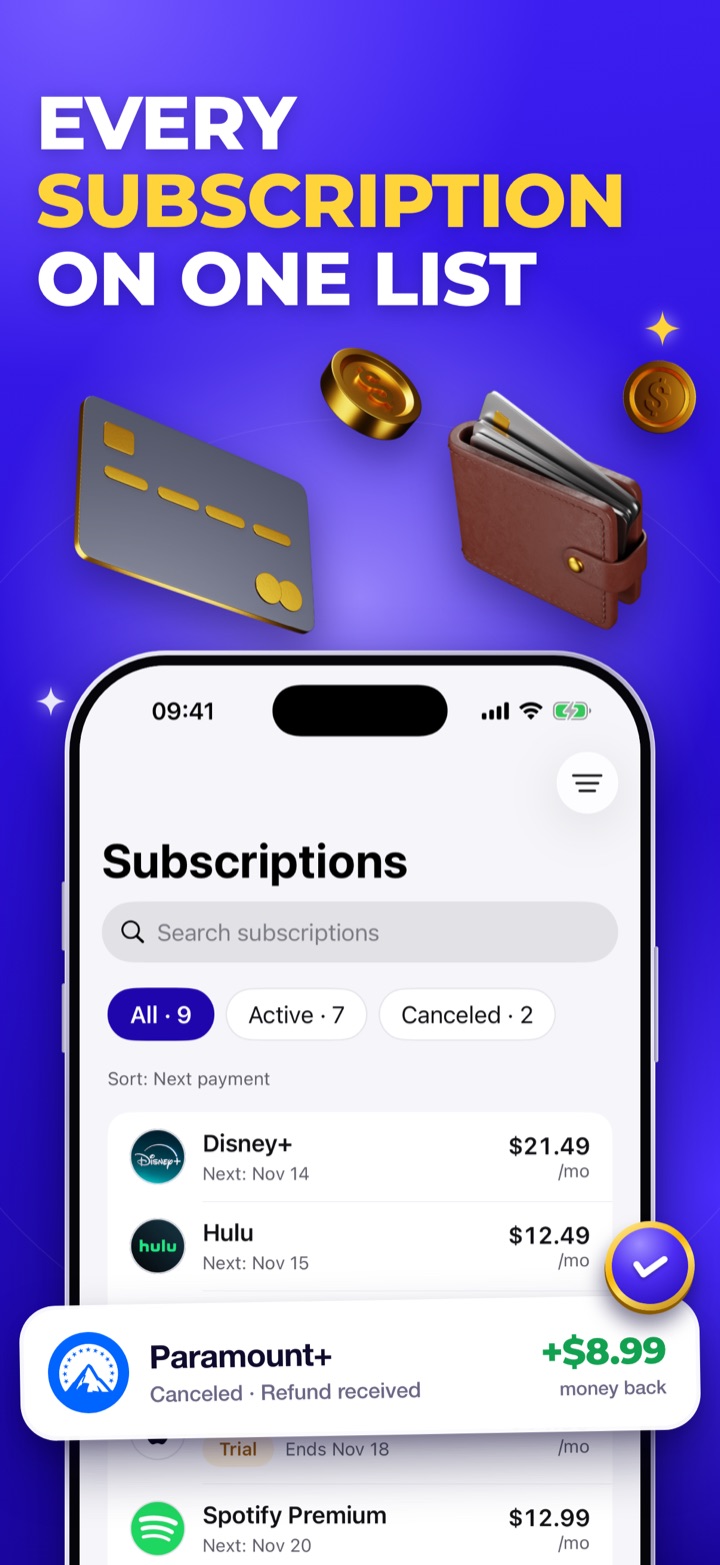
Every subscription on one list
Add from 720+ services in a few taps, or add your own. See your monthly and yearly totals, kept separately for each currency.
- Pause without deleting
- Active and canceled at a glance
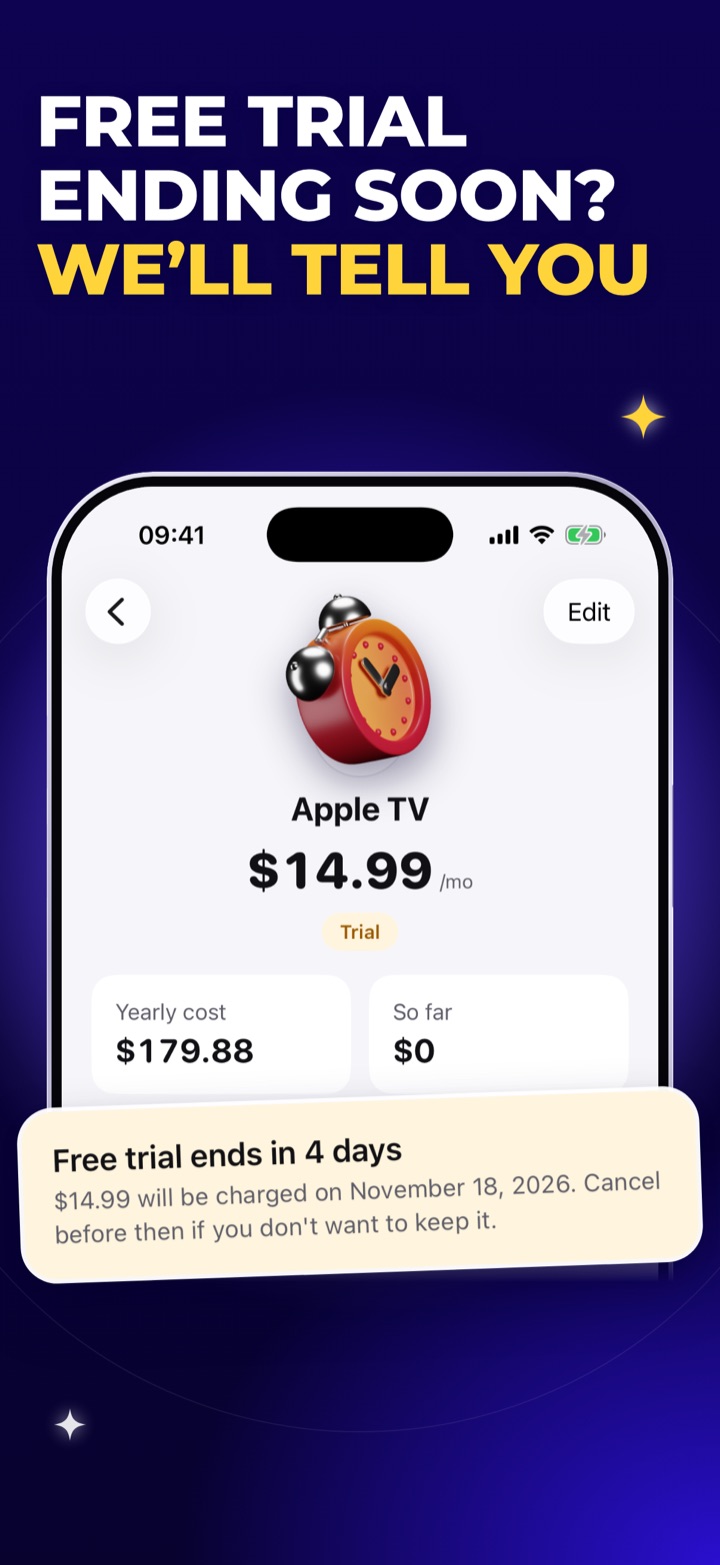
Know when each free trial ends
See the days left on every free trial and get a reminder before it ends. A trial stays out of your totals until its first payment day.
- Days left on each trial
- A reminder before it ends
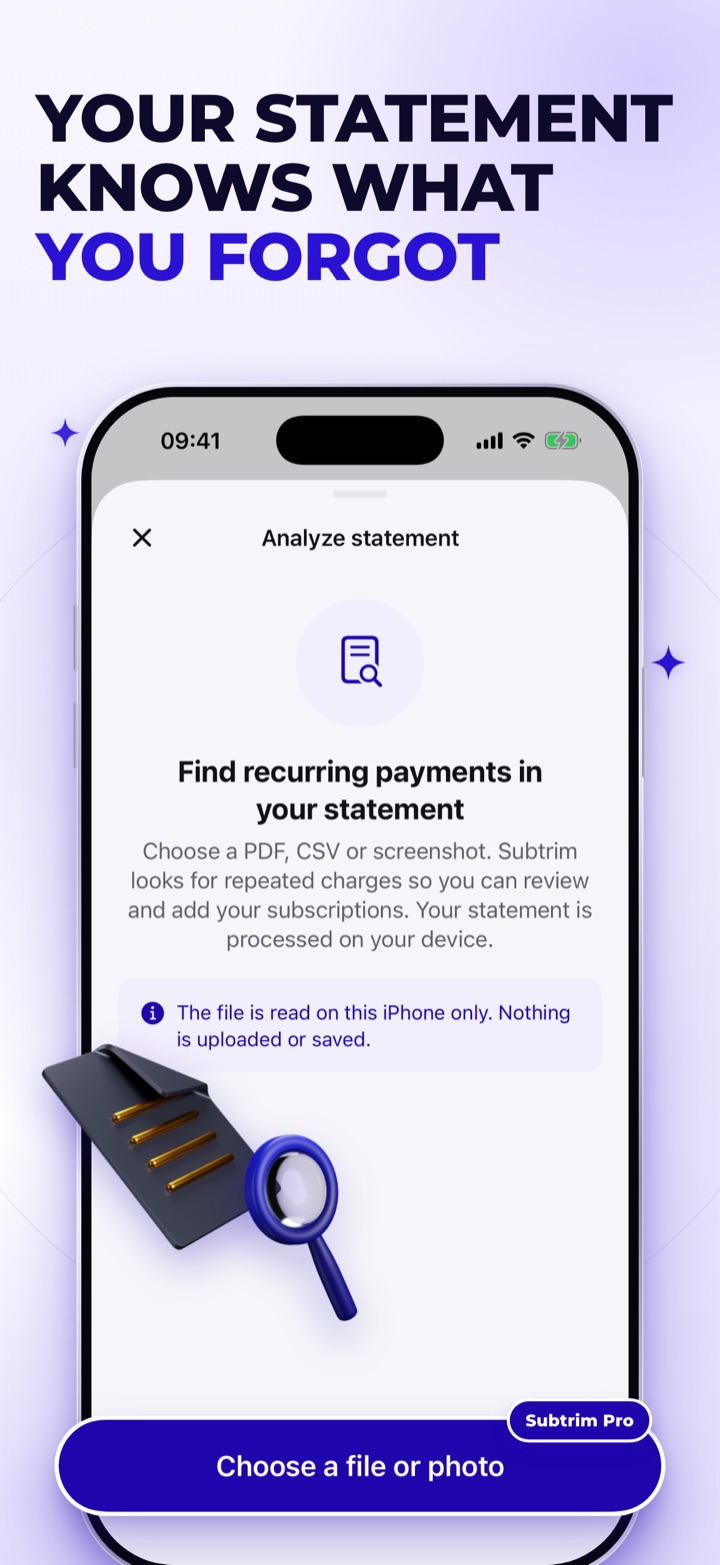
Find the ones you forgot in your statement
Import a PDF, CSV or screenshot of your bank statement and Subtrim looks for the charges that repeat. Review what it found and add the ones you want.
- Read on your iPhone only, never uploaded
- Part of Subtrim Pro
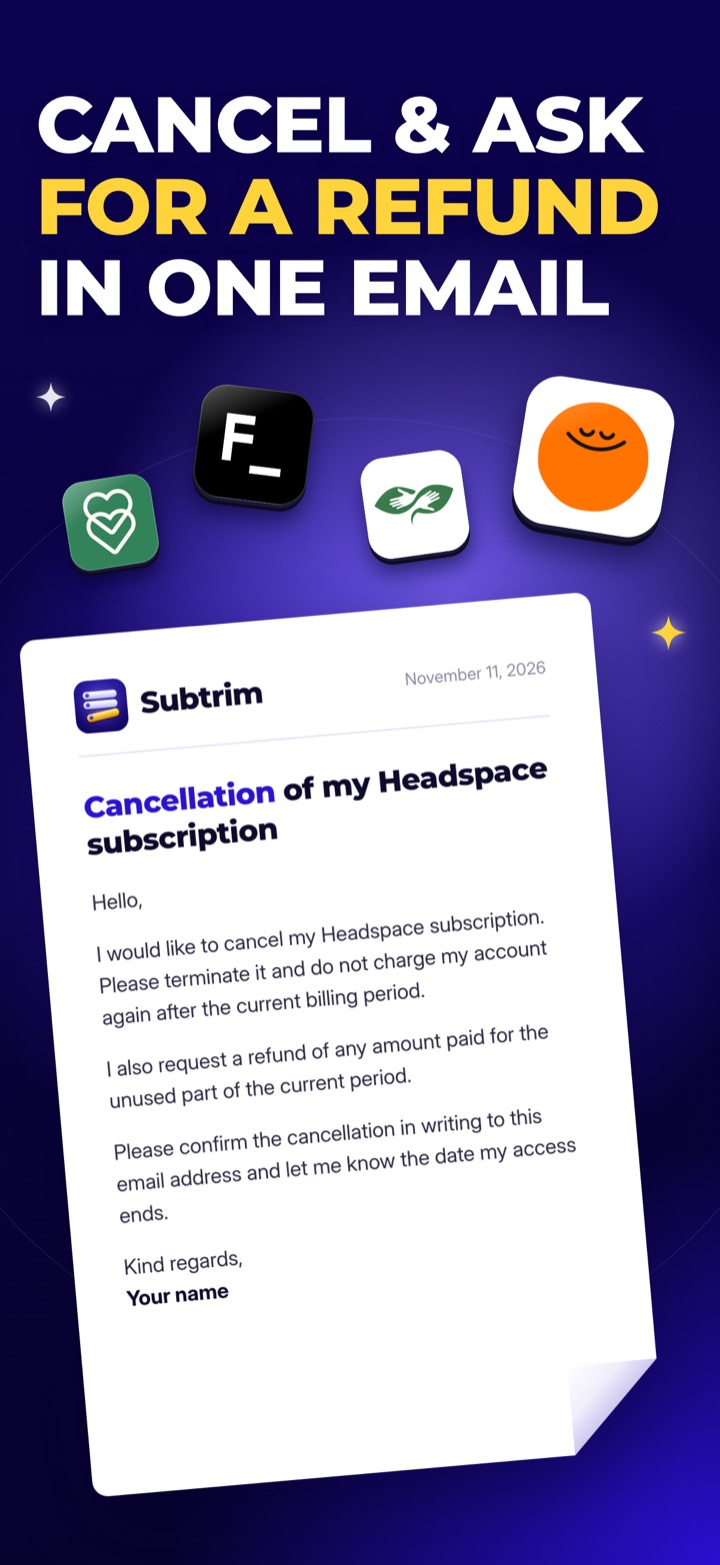
Cancel and ask for a refund in one email
Signed up directly with the service? The guide drafts your cancellation email, with an optional line asking for a refund. It opens in Mail already addressed when the service’s cancellation address is known.
- Ready-made cancellation email
- Optional refund request
No bank login. No account.
Subtrim never asks for your bank login, and there is no account to create. Your subscriptions are stored on your iPhone, not on our servers.
Anonymous usage and crash data help us improve the app; you can turn this off in Settings.
How it works
Download Subtrim
Get it on the App Store. No sign-up.
Add your subscriptions
Pick from 720+ services, add your own or import a bank statement.
Keep what you use
Get a reminder before each charge and cancel the rest with the guide.
Questions, answered
Do I need an account or my bank login?
No. There is no sign-in and Subtrim never asks for your bank login. Your subscriptions are stored on your iPhone, and deleting the app deletes them.
How do I cancel a subscription with Subtrim?
Open the subscription and tap “How to cancel?”. Choose where you signed up and follow the steps: “Open cancellation page” takes you to the right page, and for services you joined directly the guide drafts a cancellation email. When it’s done, tap “Mark as canceled” and Subtrim shows what you keep each year.
How do reminders work?
Choose 1, 3 or 7 days before a renewal for each subscription. Reminders arrive at 10:00 AM your local time. Allow notifications for Subtrim in iOS Settings to receive them.
What is Subtrim Pro?
Without Subtrim Pro you can add and manage a limited number of subscriptions; this limit may change. Subtrim Pro removes the limit and unlocks statement import and the full insights. It is an auto-renewable subscription with a weekly or a yearly plan; the yearly plan includes a free trial for new subscribers. Prices are shown in the app before you buy.
Stop paying for what you forgot
Download Subtrim and add your first subscription in under a minute.
 Scan with your iPhone camera